
How to View Advisee Shopping Cart in MyGeorgeFox
- Log into MyGeorgeFox (my.georgefox.edu) using your GFU username and password.
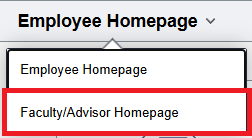
- Navigate to the Faculty/Advisor Homepage
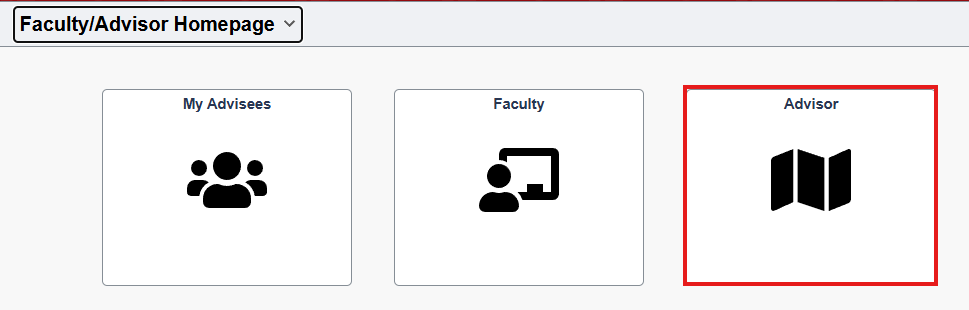
- Select Advisor Tile
- Click My Advisees under Advisor Center in the left menu.
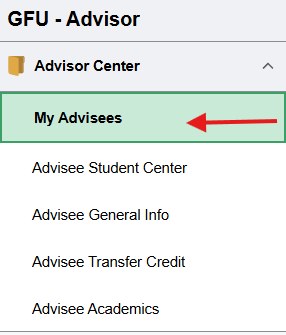
- Click My Advisees along the top menu.

- Click View Student Details next to the appropriate student in your advisee list.
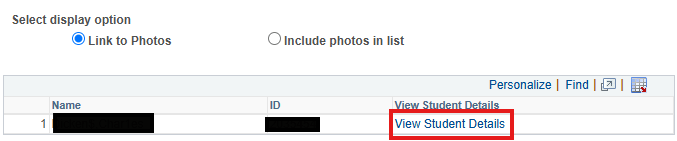
- Click Shopping Cart.
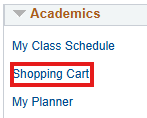
- Select the term and click Continue to view the shopping cart.