
How to Pull a Commencement Grad List in MyGeorgeFox
- Log into MyGeorgeFox (my.georgefox.edu) using your GFU username and password.
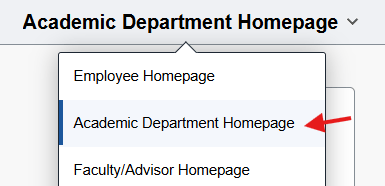
- Change top dropdown menu to Academic Department Homepage.
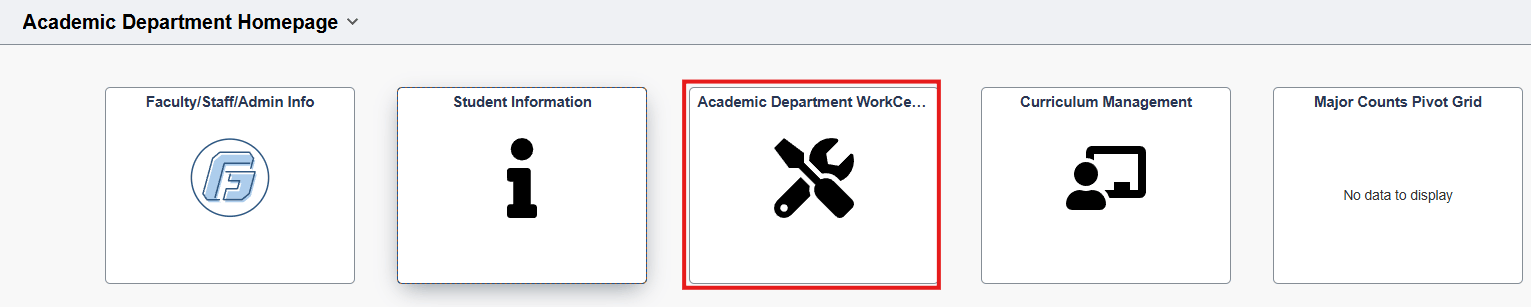
- Select the Academic Department WorkCenter Tile.
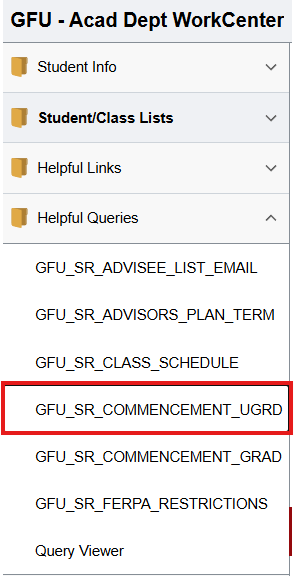
- Select Click Helpful Queries to expand. Then select GFU_SR_COMMENCEMENT_UGRD.
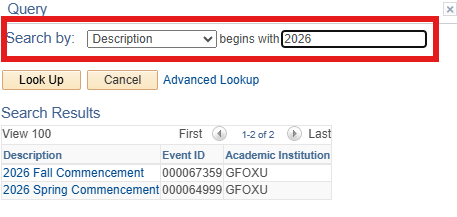
- Enter the Event ID. If you don’t know the Commencement Event ID for the term you want, look it up with the magnifying glass - Search by: Description begins with [enter the year] – This should pull up applicable options.
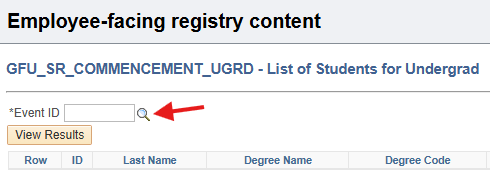
- Click View Results – then you can download results in Excel Spreadsheet or other formats if needed.