How to Access a Class Roster in MyGeorgeFox
- Log into MyGeorgeFox (my.georgefox.edu) using your GFU username and password.
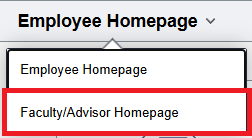
- Navigate to the Faculty/Advisor Homepage
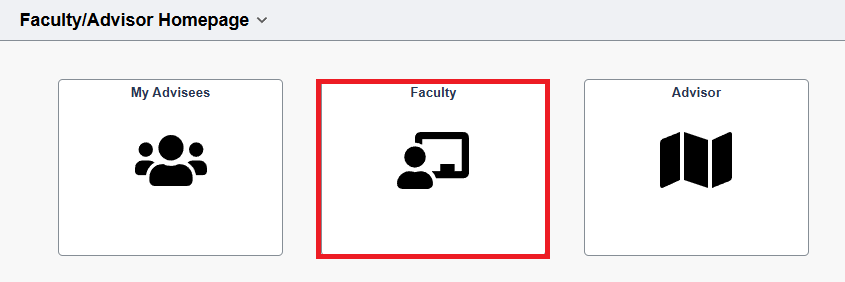
- Select Faculty Tile
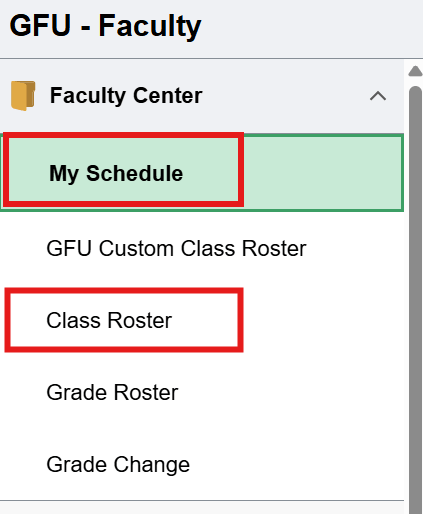
- Select My Schedule from the left menu.
- If you click Class Roster on the left Menu, it will default to the last roster you were in. You can click the Change Class button to switch classes.
- If this is the first time selecting a roster, it’ll ask you to select the roster from the My Schedule screen by following Step 5 below.
- To view your Class Roster, click the “Class Roster” icon next to the class under the My Teaching Schedule heading.

- This roster includes:
- ID number
- Photo
- Student Name
- Major (Program & Plan)
- Student Standing (Level – ie. Freshman, etc.)
- Enrollment Status (can be changed from the dropdown menu above the roster)
