How to Drop/Withdraw from a Class in MyGeorgeFox
- Log into MyGeorgeFox (my.georgefox.edu) using your GFU username and password.
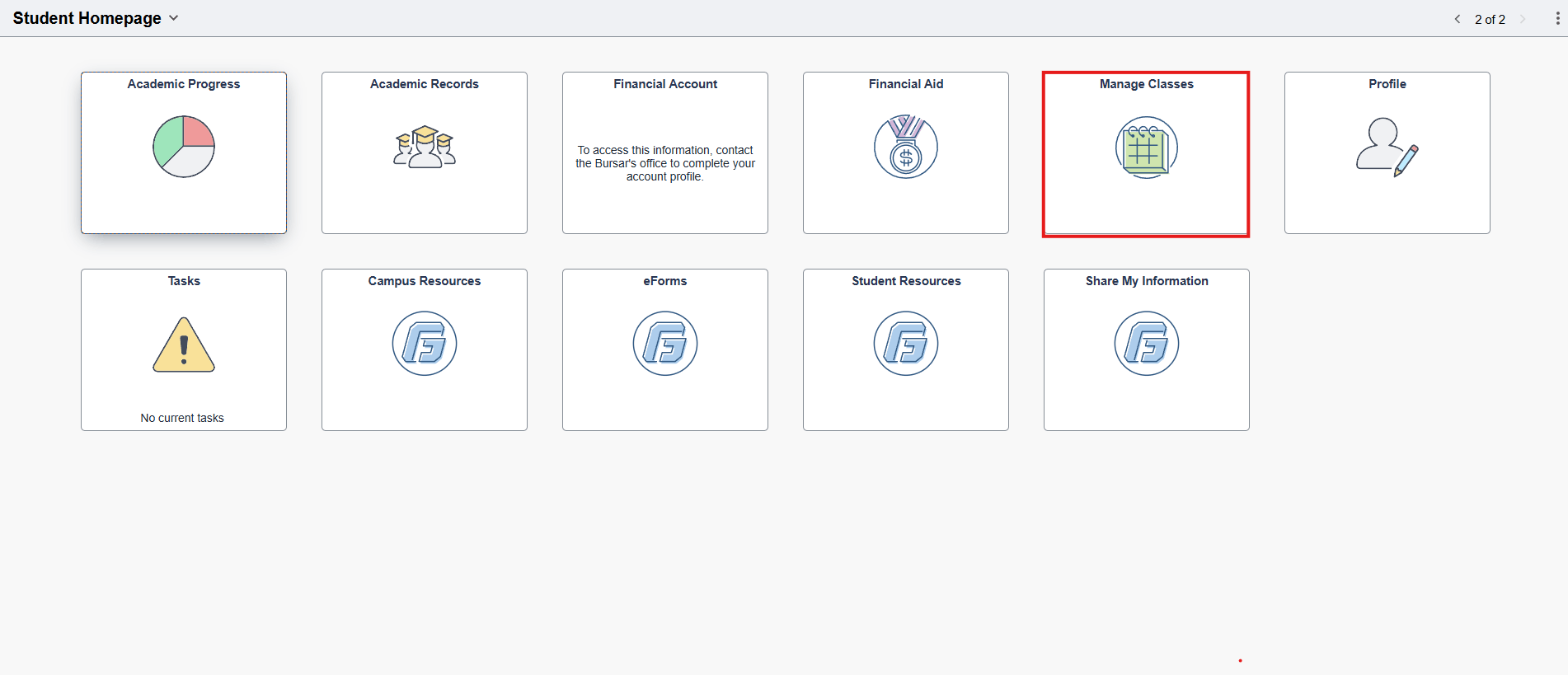
- Click Manage Classes.
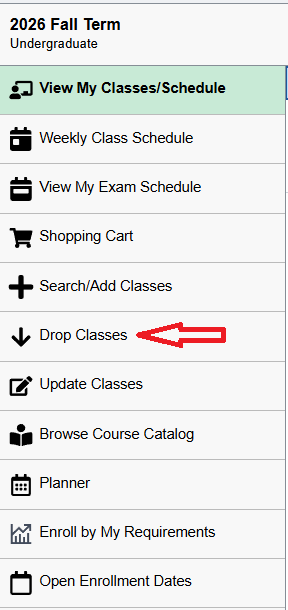
- Click Drop Classes.
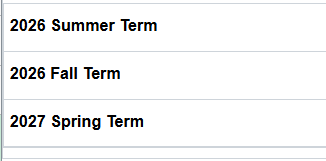
- Select the term in which you’d like to drop classes.
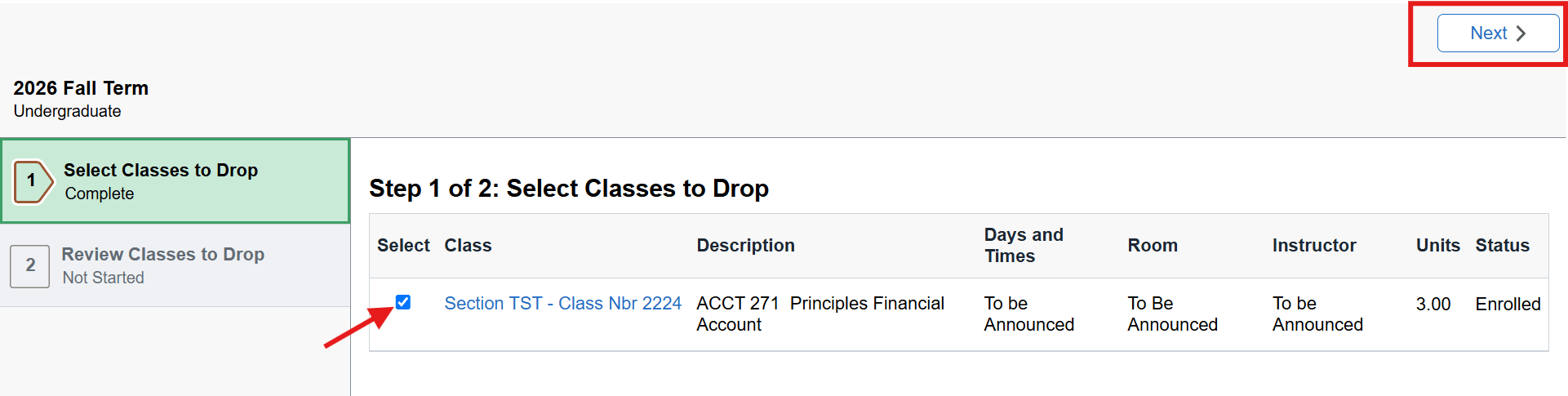
- Select the class you’d like to drop. Then click NEXT.
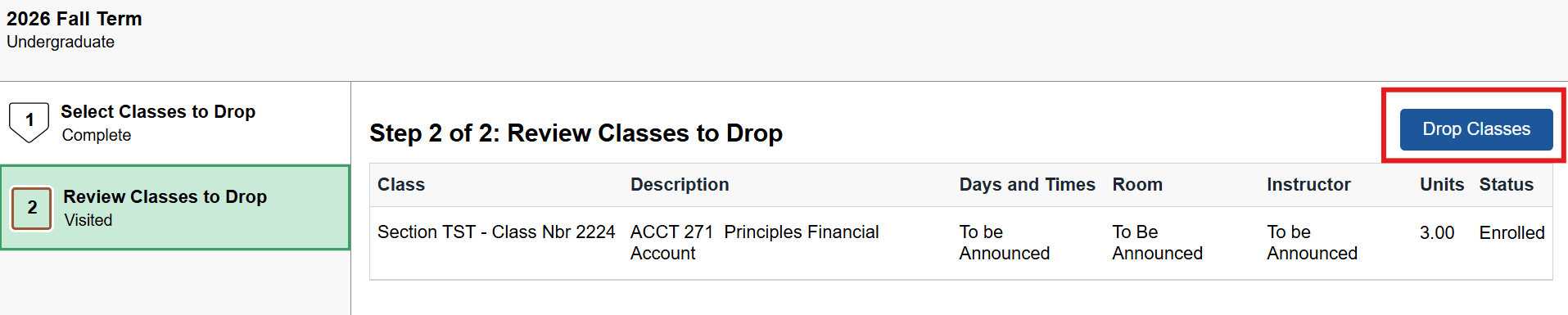
- Review the class(es) selected. Click Drop Classes.
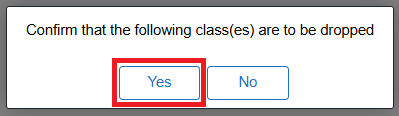
- On the pop-up box, click YES to confirm.