How to Share Your Information in MyGeorgeFox
- Log into MyGeorgeFox (my.georgefox.edu) using your GFU username and password.
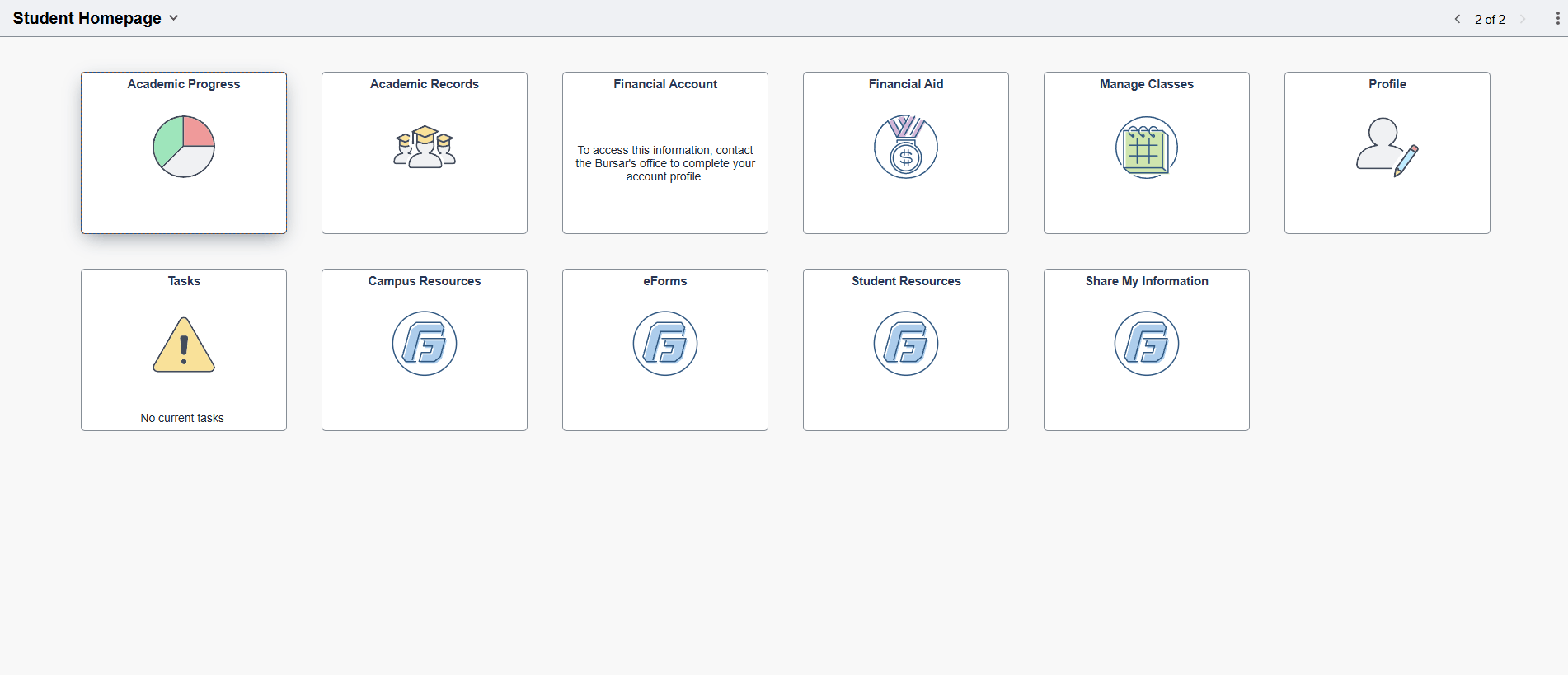
- Click Share My Information tile.
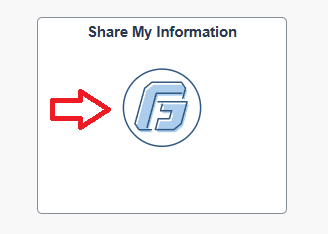
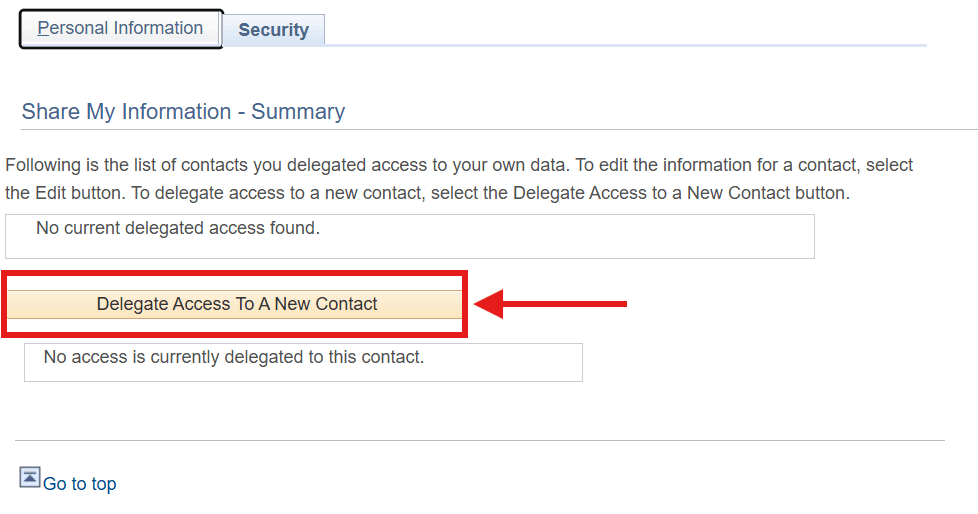
- Click Delegate Access to A New Contact.
- Read and accept the FERPA agreement.
- Add the new contact information and select what access you’d like to give to them within MyGeorgeFox.
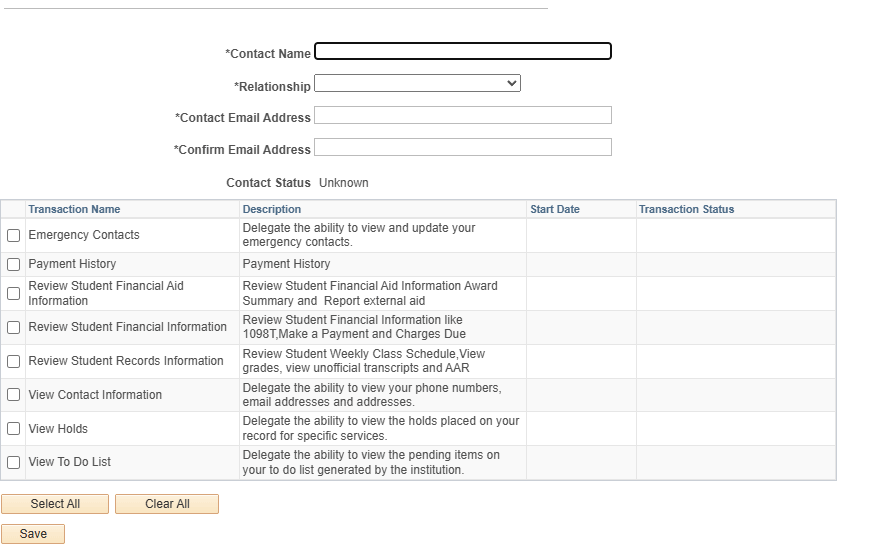
- Click Save. Then Okay on the pop-up box.
- You should receive a successful message. Click Okay.
- An email will be sent to the contact to log in to MyGeorgeFox in order to access records you indicated.
