How to Access the Withdraw / Leave of Absence form in MyGeorgeFox
Log into MyGeorgeFox (my.georgefox.edu) using your GFU username and password.
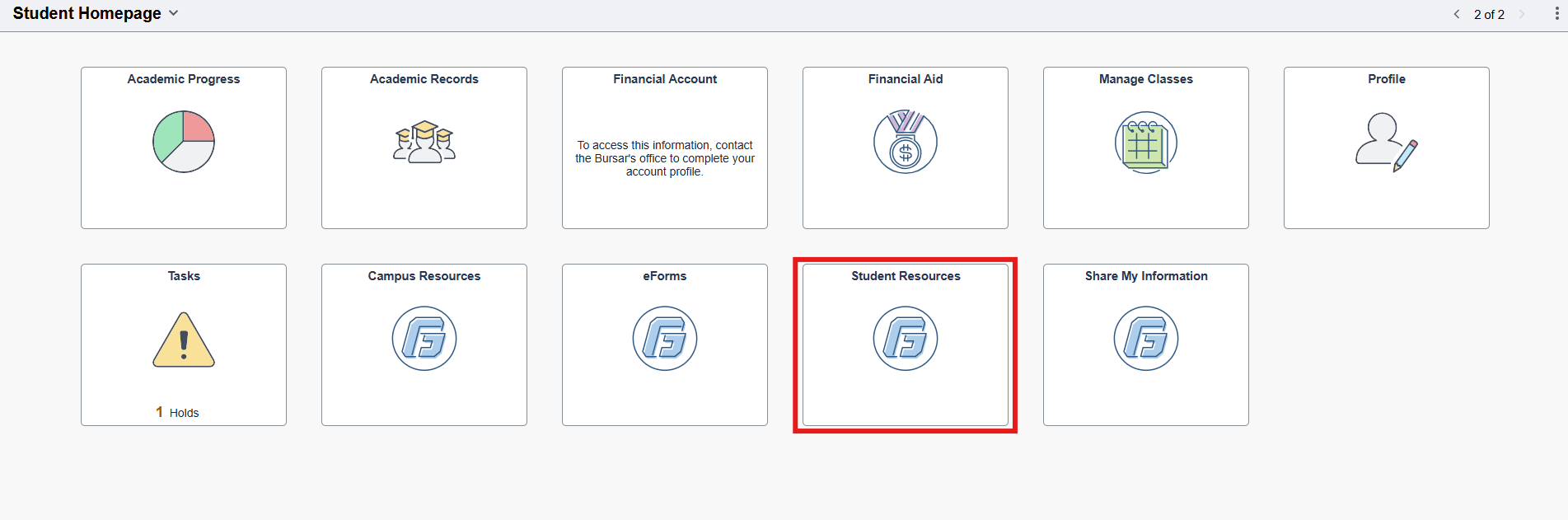
Click Student Resources.
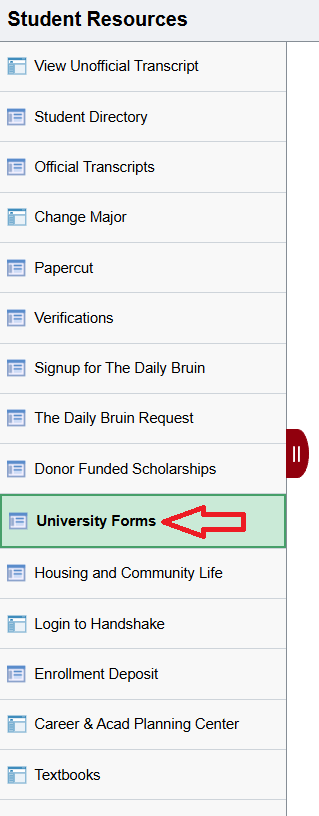
Click on University Forms.
Click on the Student Withdraw/Leave of Absence Form.
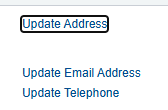
At the top of the form you will see your name, address, and other biographical information. If needed, you can update your address, email, and telephone using the appropriate links.
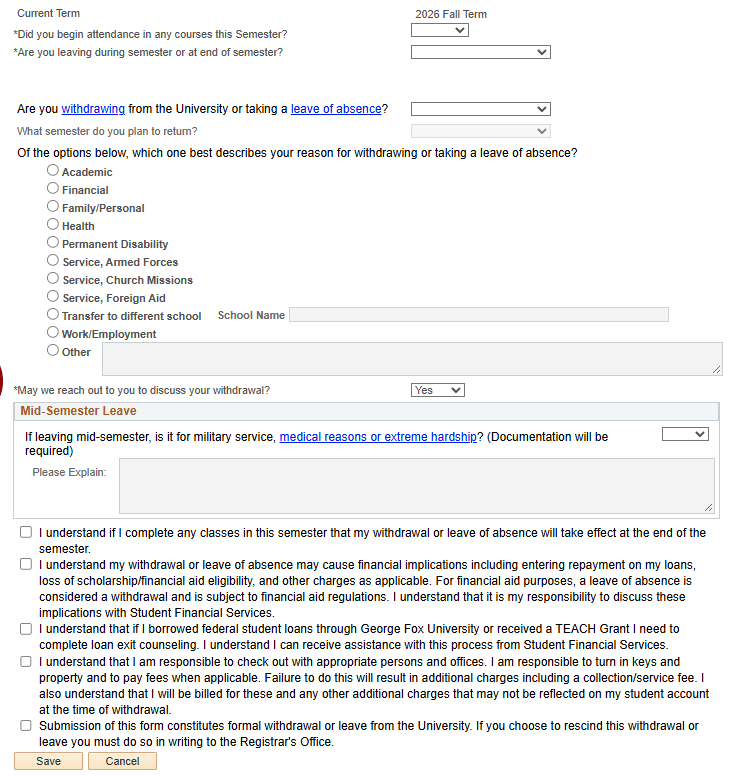
Complete the form. Please note:
“What Term is this for?” - This question defaults to the current term we are in. This is fine whether or not you’re enrolled in classes for this term.
Select mid-semester or end of semester accordingly. If you’re not enrolled in the current term, either option will suffice to communicate your plans.