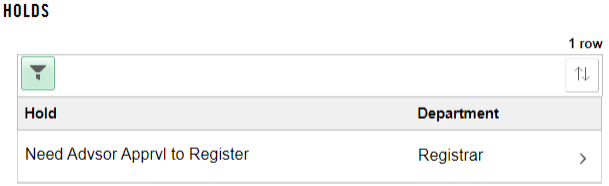
How to View a Hold in MyGeorgeFox
- Log into MyGeorgeFox (my.georgefox.edu) using your GFU username and password.
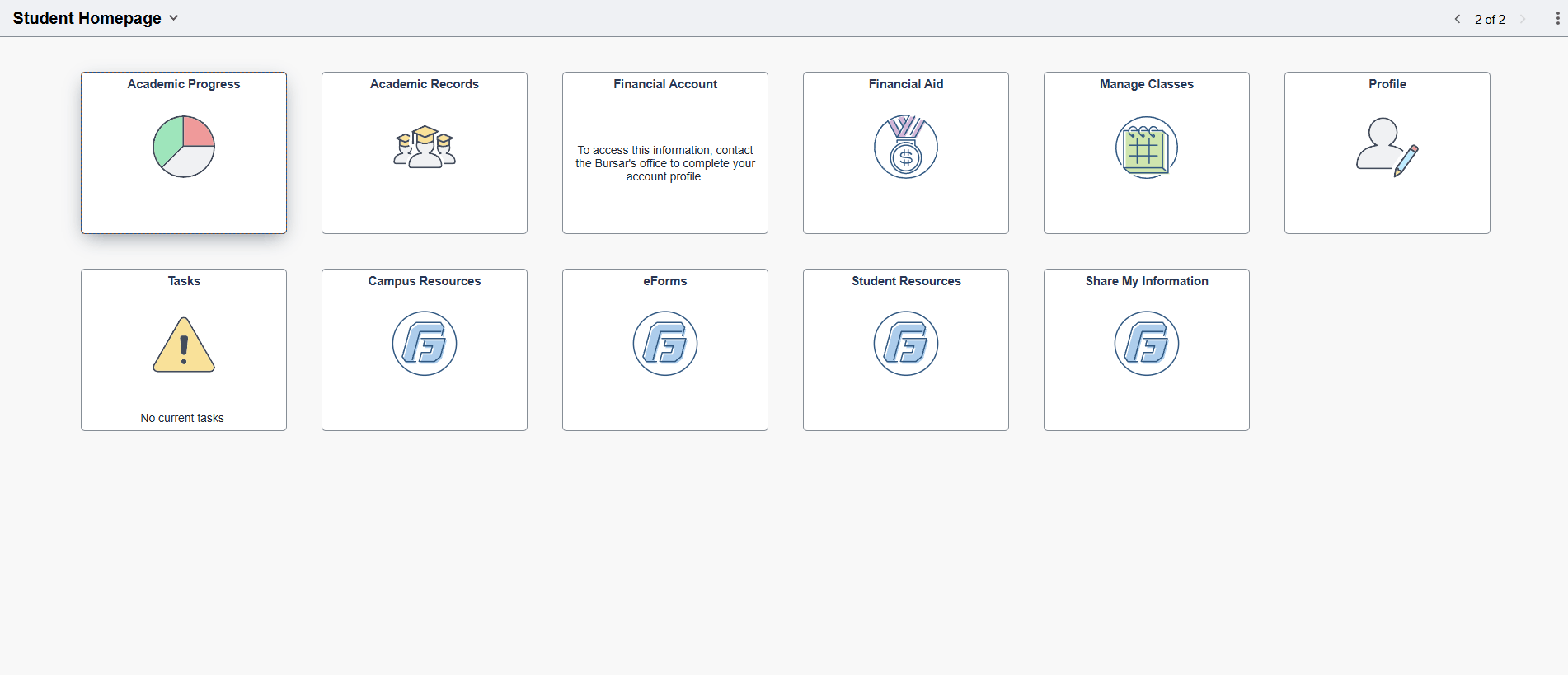
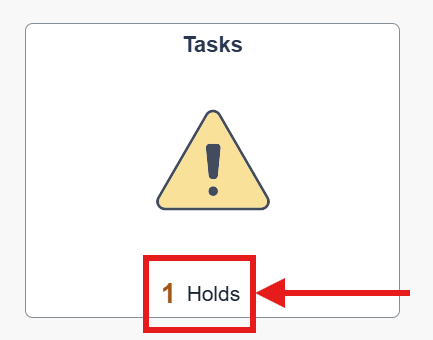
- Click the Tasks tile. If you have any holds, it will indicate it on the tile.
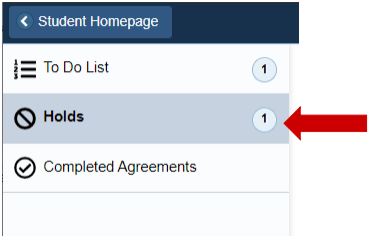
- Click Holds in the left navigation menu. If the Holds menu does not show, then you do not have any holds on your account.
- If you have a hold, the list will show what the hold is and which department oversees that hold. If you have questions about that hold, contact the listed department.