How to View Academic Requirements in MyGeorgeFox
- Log into MyGeorgeFox (my.georgefox.edu) using your GFU username and password.
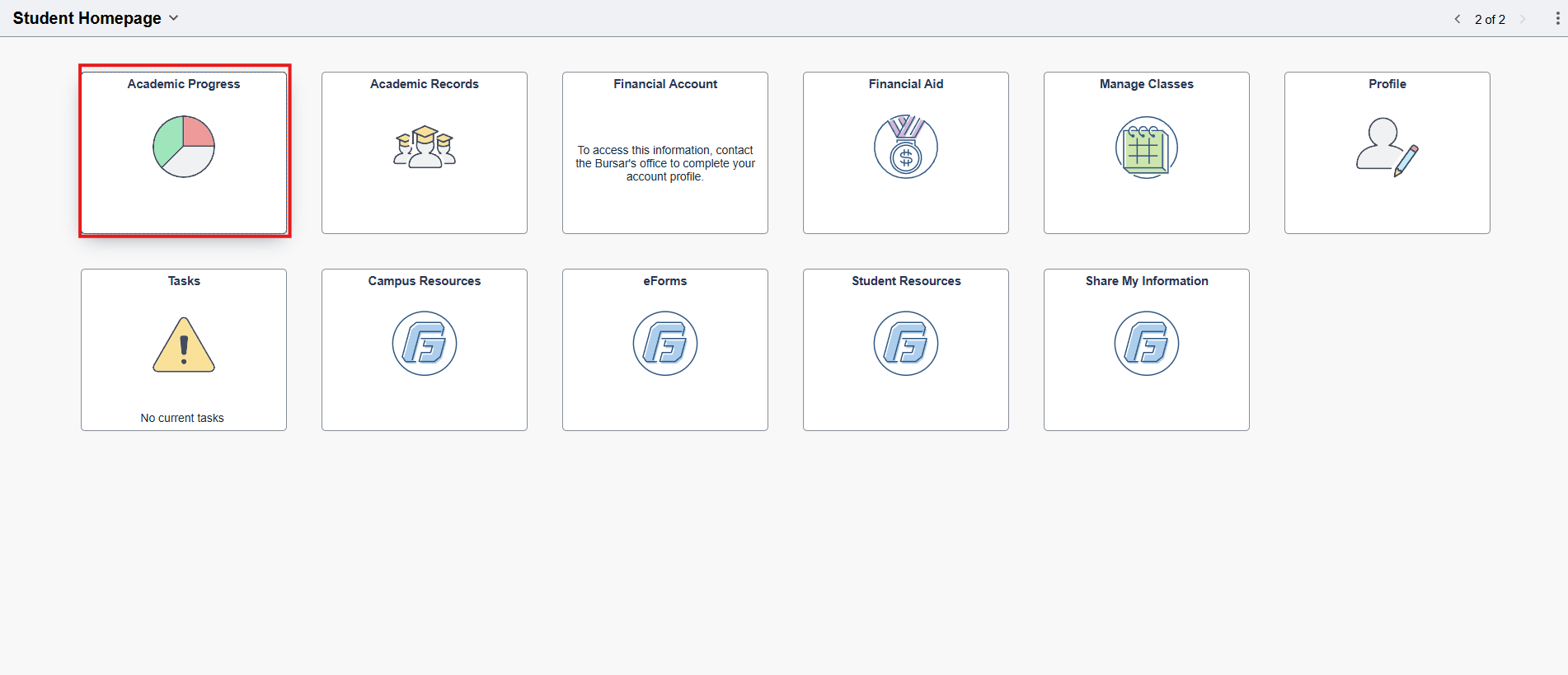
- Click Academic Progress.
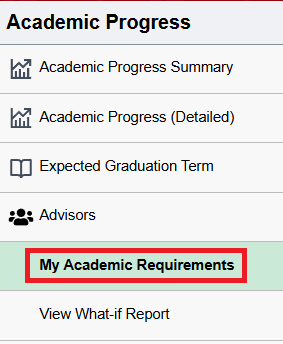
- Click My Academic Requirements.
- The advisement reports will collapse sections that have been completed.
- Sections that are open will show requirements/classes that still need to be met.