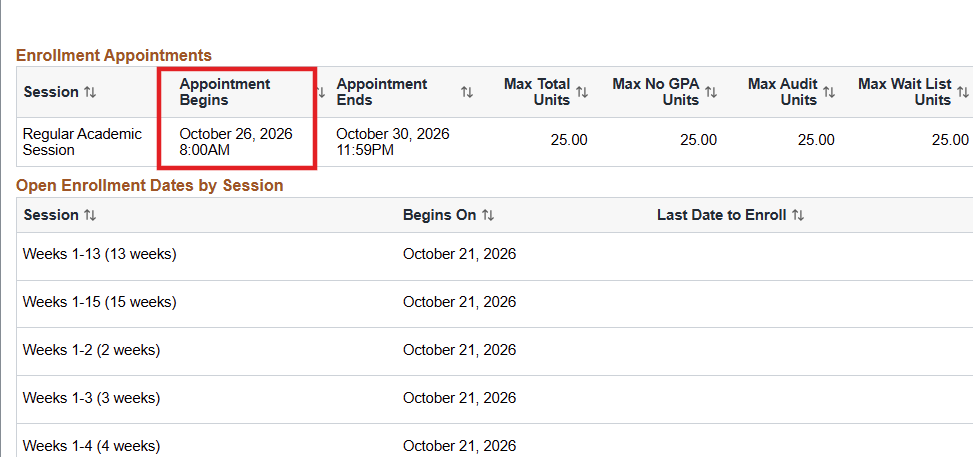
How to View Your Enrollment Appointment in MyGeorgeFox
- Log into MyGeorgeFox (my.georgefox.edu) using your GFU username and password.
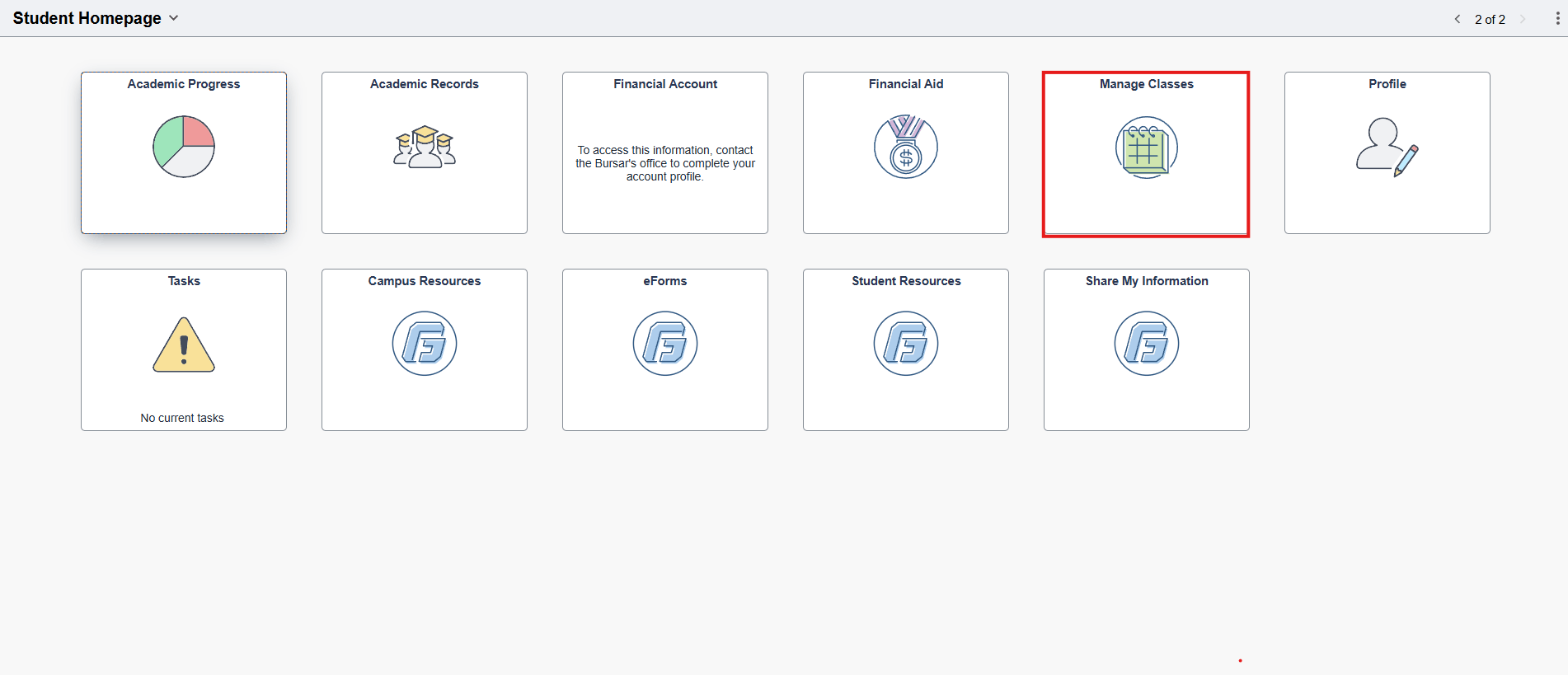
- Click Manage Classes.
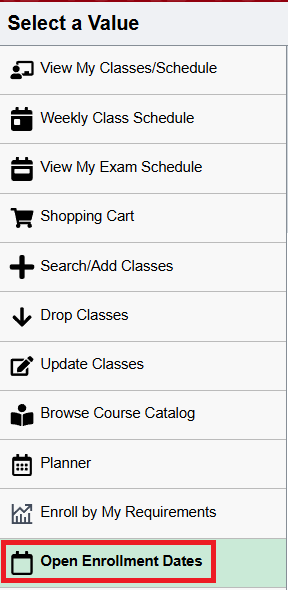
- Click open Enrollment Dates.
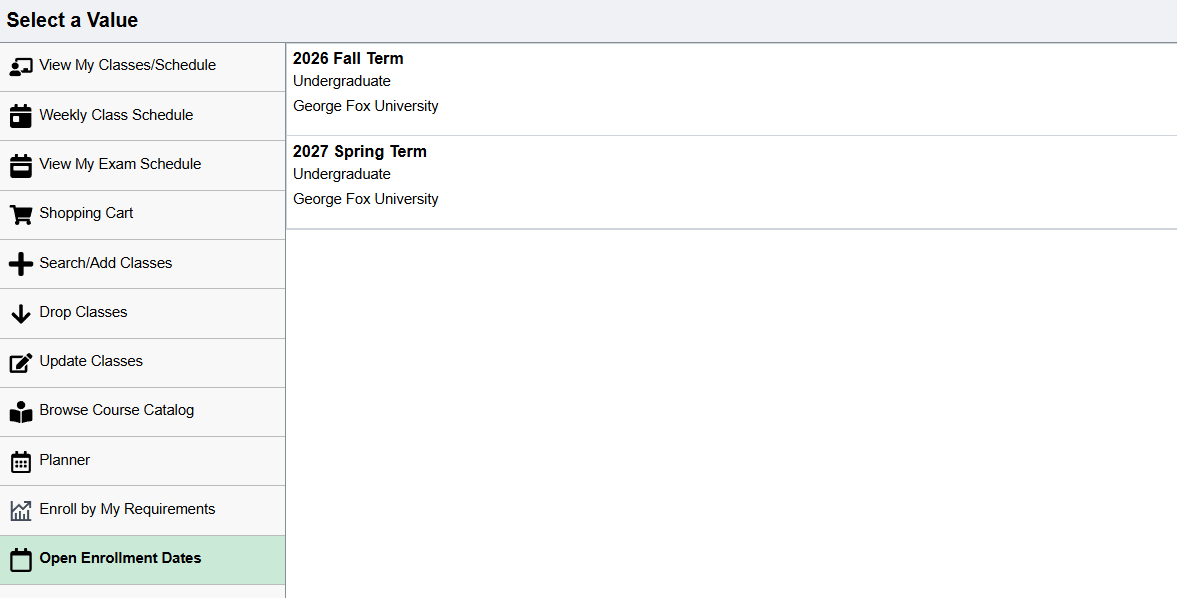
- Select the future term in which you’ll be registering.
- Your enrollment appointment (the time you’ll be able to begin registering for classes) will be listed with a date and time under Appointment Begins. You can ignore the end time.