
How to View Mid-Term Grades in MyGeorgeFox
- Log into MyGeorgeFox (my.georgefox.edu) using your GFU username and password.
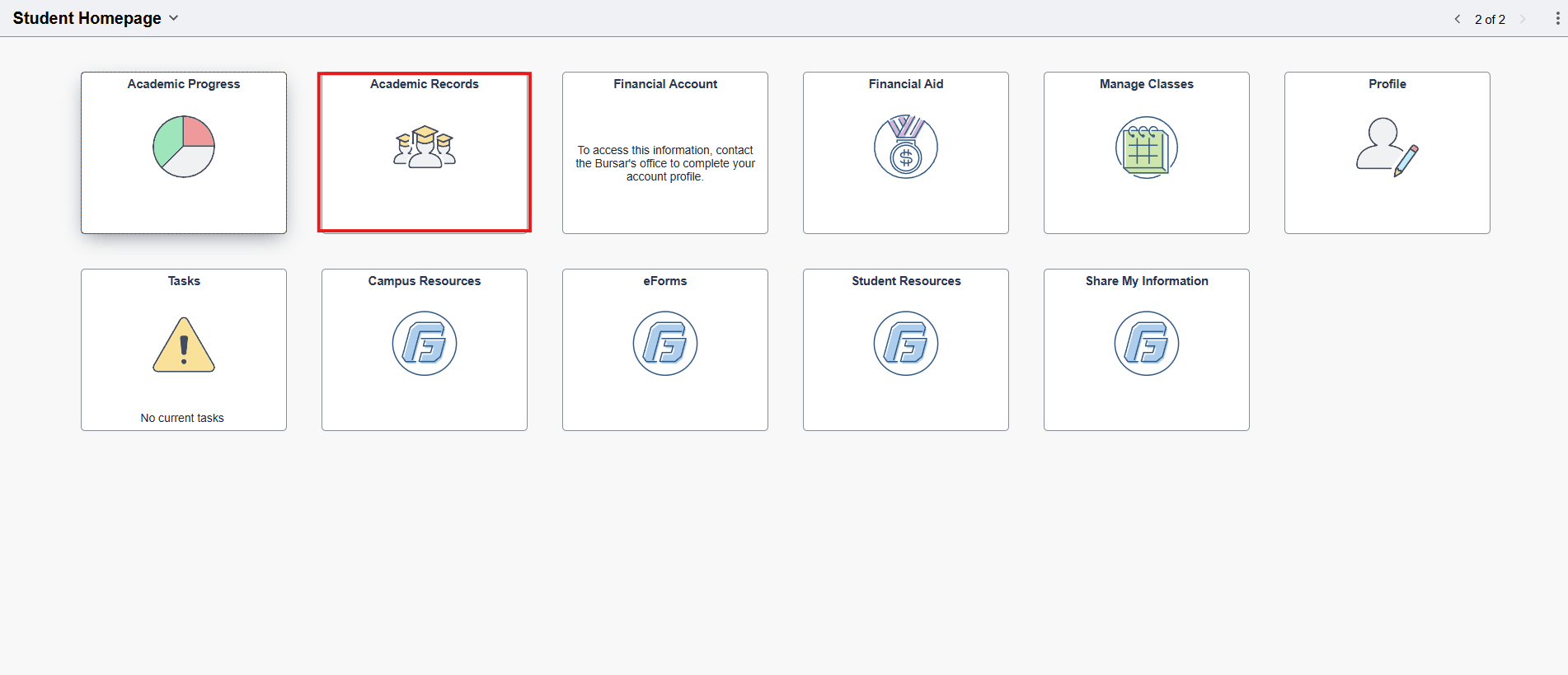
- Click Academic Records.
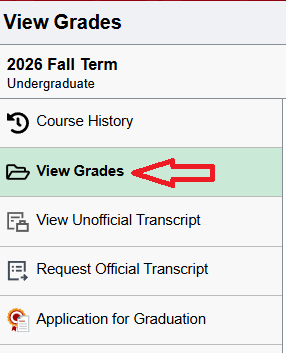
- Click View Grades in the left navigation menu.
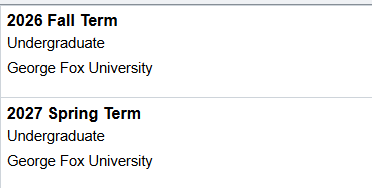
- Select the term you’d like to view.
- If you’ve received any mid-term grades, they will appear in the last column Mid Term 1.

- If the Mid Term 1 column does not show, then you have not received any mid-term grades.