How to View your Unofficial Transcript in MyGeorgeFox
- Log into MyGeorgeFox (my.georgefox.edu) using your GFU username and password.
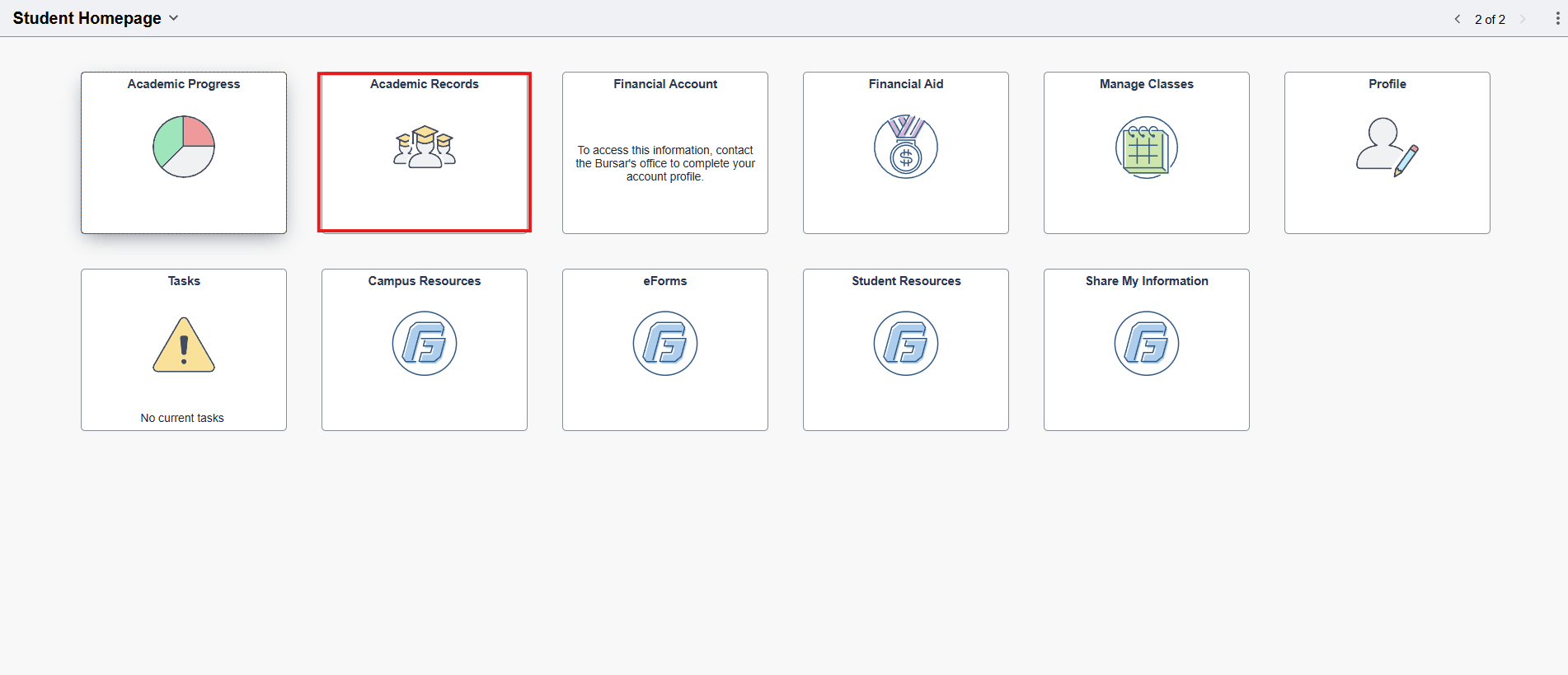
- a) If you are a current student, click Academic Records.
b) If you are an alumni or not a current student, click Student Resources.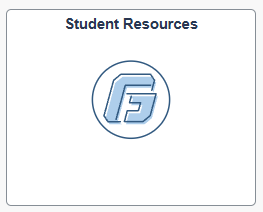
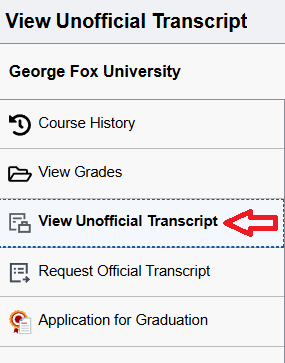
- Click View Unofficial Transcript in the left navigation menu.
- Click Submit.

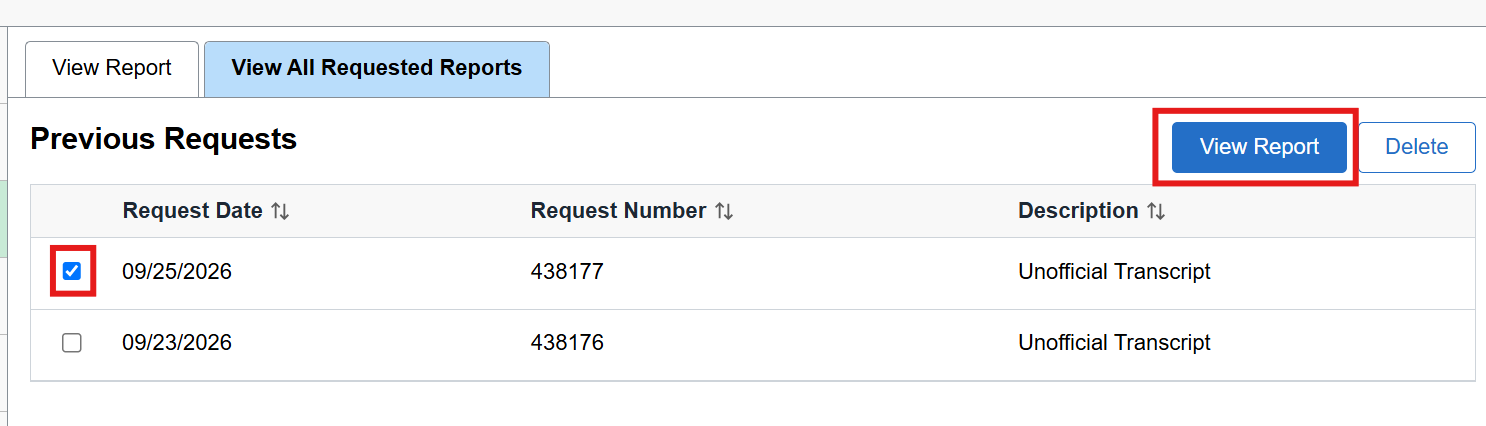
- If the transcript doesn’t open in a new tab, you’ll need to allow pop-ups on your browser. Then select the report and click View Report.